Exodus Wallet Review – Security, Fees, and Usability
Exodus is a secure, user-friendly mobile and web extension-based wallet. Its strengths lie in robust safety measures, an intuitive interface, and a diverse range of digital assets. Used by millions worldwide, the wallet enables smooth crypto swapping, trading, and staking directly within the app without requiring account registration. For added safety, users can connect it with both Ledger and Trezor wallets. However, the Exodus Wallet does not employ two-factor authentication (2FA).
Exodus is a non-custodial cryptocurrency wallet that lets you send, receive, store, and swap over 1 million digital assets. It is available on desktop, mobile, and web browsers and is considered an ideal wallet for beginners due to its intuitive interface and built-in features, such as staking and NFT support.
In this guide, we will explore everything you need to know about Exodus Wallet, including its functionality, security, staking, and more.
Exodus Wallet Pros and Cons
Pros
- Intuitive UI and onboarding
- Trezor and Ledger wallet support
- Multi-chain support
- Staking option
- Buy crypto with fiat money
- Can add alternative coins manually
- Dedicated 24/7 customer support
Cons
- Lack 2FA
- Partially closed-source components
- Swap spreads can be higher than exchange fees
What is Exodus Wallet?
Founded in 2015 by JP Richardson and Daniel Castagnoli, Exodus is a software cryptocurrency wallet (hot wallet) that offers you complete control over your digital assets. It enables you to store, manage, and exchange various cryptocurrencies. It seamlessly combines a polished interface with broad multi-chain support, built-in swaps, staking, and NFT management, without requiring accounts or private keys.
Self-custody at its core, Exodus Wallet lets you retain full control over your private keys and recovery phrase. Its multi-chain functionality brings multiple networks into a single interface, aiming to remain user-friendly by minimizing technical jargon and setup friction. It does not use traditional two-factor authentication, but you can pair it with your Trezor or Ledger wallets to move keys to a cold wallet for enhanced safety.
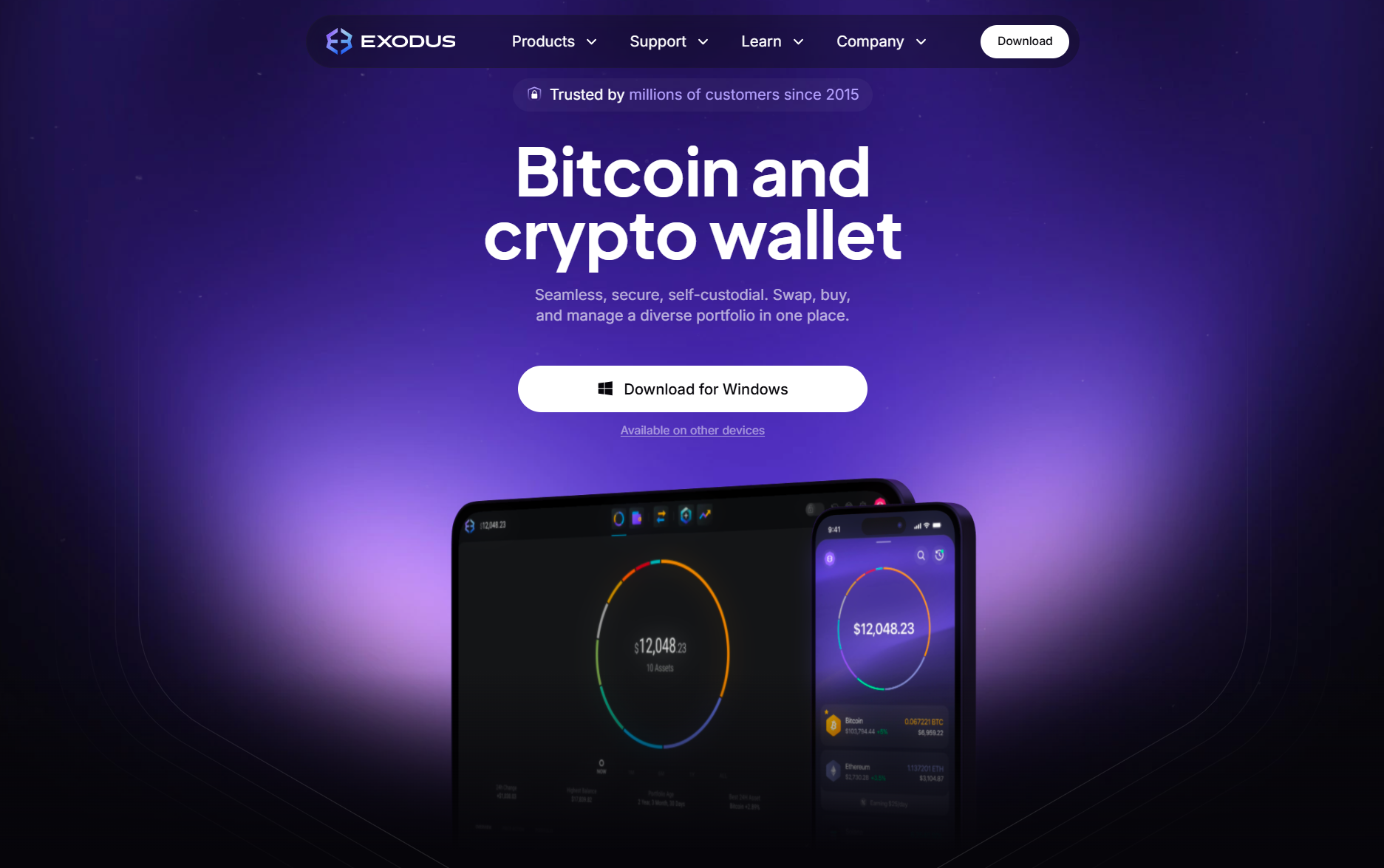
The Exodus Wallet also provides access to leading Web3 applications, such as Aave, Compound Finance, OpenSea, and Magic Eden. It is available across multiple operating systems, including desktop (Windows, Linux, and macOS), mobile (iOS and Android), and the browser extension.
Key Features:
- A non-custodial wallet, offering key management across multiple blockchains.
- Integrated swaps, staking, and NFT support services.
- Desktop, mobile, and browser extension availability.
- Does not use two-factor authentication.
Supported Cryptocurrencies and Asset Coverage
Exodus supports a wide range of digital assets, including over 300 cryptocurrencies. Some of the popular cryptocurrencies it supports include Bitcoin (BTC), Ethereum (ETH), Solana (SOL), Tether (USDT), and more.
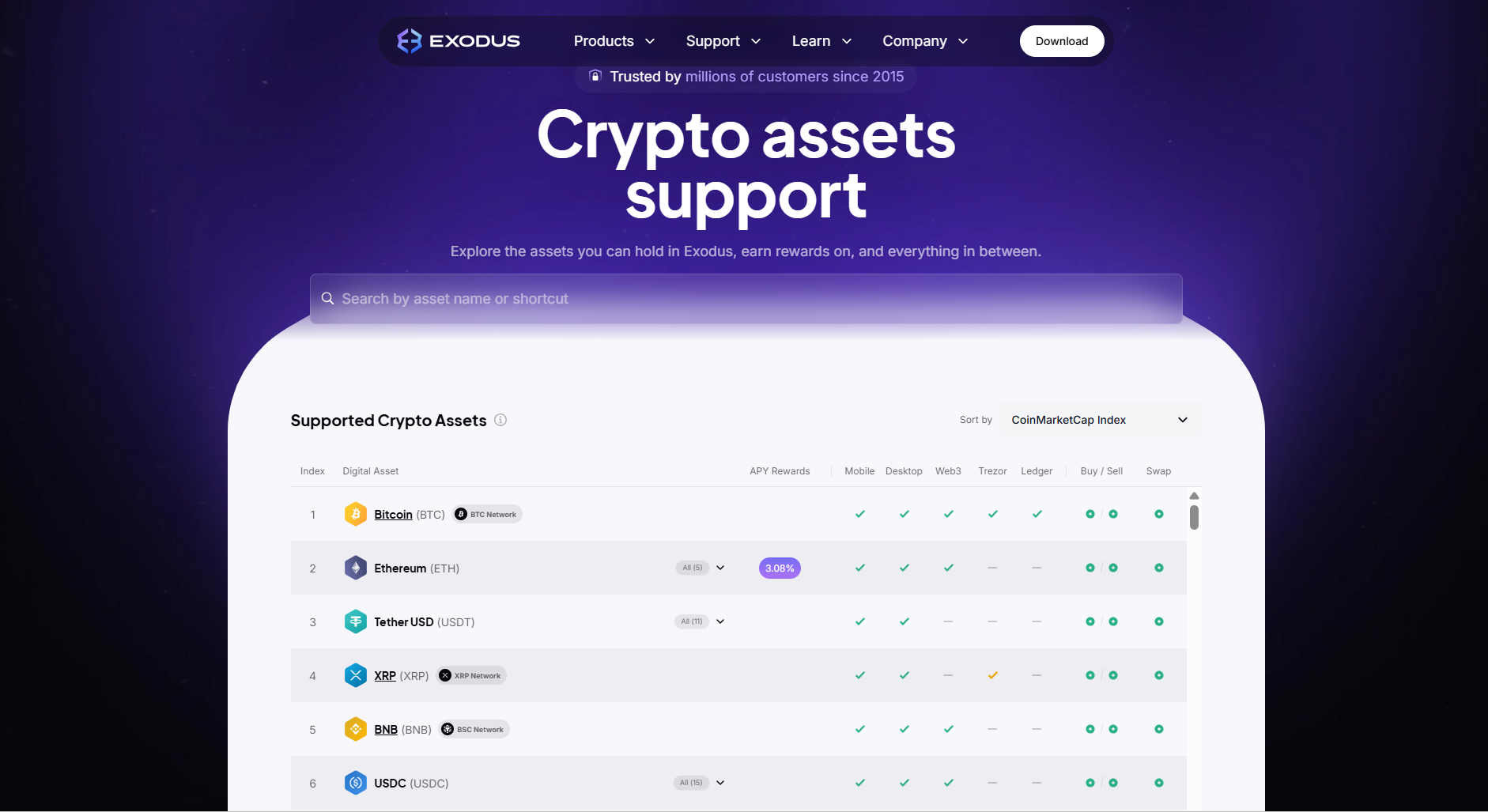
It spans key ecosystems, including Bitcoin and Ethereum, as well as EVM networks such as BNB Smart Chain, Avalanche, Polygon, and more. The supported non-EVM networks include Solana, Cosmos/ATOM, Algorand, and more.
You can also add custom tokens in your Exodus Wallet when an ERC-20 or other token is not listed. Additionally, you can store and trade any NFT from these networks through the application.
Is Exodus Wallet Safe?
Exodus is a self-custody cryptocurrency wallet in which private keys are locally encrypted and never stored on Exodus servers. The device is protected by an optional password lock and an auto-lock, while its backup uses a 12-word secret key, also known as a seed phrase. On the mobile version, you can opt to store an encrypted backup in iCloud/Google Drive protected by a passkey.
Another key factor to consider is that Exodus is a hot wallet, which means everything is stored online. The wallet explicitly recommends pairing with hardware wallets for stronger defense. For this, it supports both Ledger and Trezor pairing.
Strong Password Requirements
Exodus implements a password option to protect accounts. After setting up your crypto wallet, you can create a strong password. Also, the password should be unique to prevent your wallet from being hacked.
12-word Recovery Seed Phrase
Once you set the password, you will see a 12-word recovery phrase. It allows you to access the wallet if you lose the password or device. Combined with the password, you can regain access to your funds even in the event of a hardware failure or loss. Remember, you should write this code correctly and safely.
Closed-Source Code
Exodus is a closed-source software wallet that safely secures your crypto assets. Some users prefer open-source software wallets to store digital assets. However, as a company, Exodus has never been hacked and holds a great reputation as a reliable wallet provider.
Audits and Bug Bounties
To ensure enhanced transparency, Exodus runs a public bug bounty program on HackerOne with defined scopes and reward tiers. In its internal manual audits of open-source dependencies and SEC documents, the company acknowledges that vulnerabilities can occur and are addressed through patches. The app installs updates regularly to ensure everything runs smoothly.
Integrate Exodus with Hardware Wallets
Since Exodus is a hot wallet, it remains connected to the internet, making it vulnerable to remote attacks. To improve the security of your digital assets, Exodus lets you connect your wallet to hardware wallets such as Trezor and Ledger. Both are reputable offline hardware wallets that significantly reduce the chance of hacks.
You can easily transfer assets between your Exodus Wallet and hardware wallets. This way, you hold larger sums in your hardware wallet and use the Exodus Wallet for daily transactions and Web3 access. So, you can access enhanced hardware wallet security while still using the Exodus interface.
Exodus Wallet Features
Exodus offers a wide range of features in its wallet to suit cryptocurrency users. You can access multiple Web3 dApps and buy, trade, and transfer digital assets. It also features an NFT marketplace that allows you to manage your NFT portfolio.
Another remarkable feature of Exodus is its dedicated customer support. Exodus caters to its customers and provides multiple customer support options, including email and 24/7 live chat. The platform also runs Reddit and Discord communities.
Exchanging Cryptocurrency
The Exodus Wallet features an in-built P2P (peer-to-peer) exchange that allows you to instantly swap, convert, or trade more than 300 cryptocurrencies. It acts as a bridge that uses third-party API providers to facilitate trades directly within the app. This is a seamless, secure alternative to centralized exchanges that lets you retain control of your private keys.
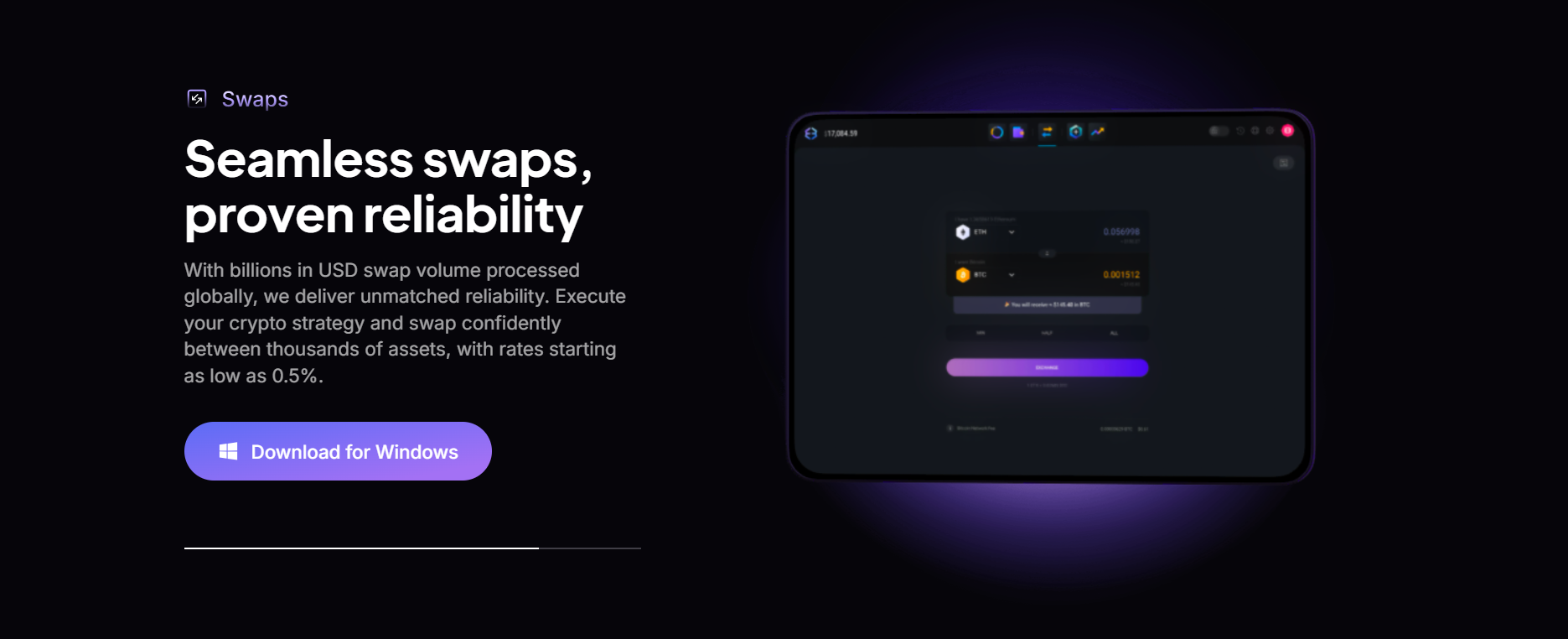
To do this, navigate to the Exchange tab in the wallet app or the browser version, select the cryptocurrency you want to exchange, specify the trading pair, and enter the order amount. Remember, there will be a fee of around 1% to 3% on transactions.
Buy/Sell Cryptocurrency
Mostly, self-custody software wallets allow users to hold and transfer cryptocurrencies. To buy a digital asset, they head to an exchange, such as Binance and Coinbase.
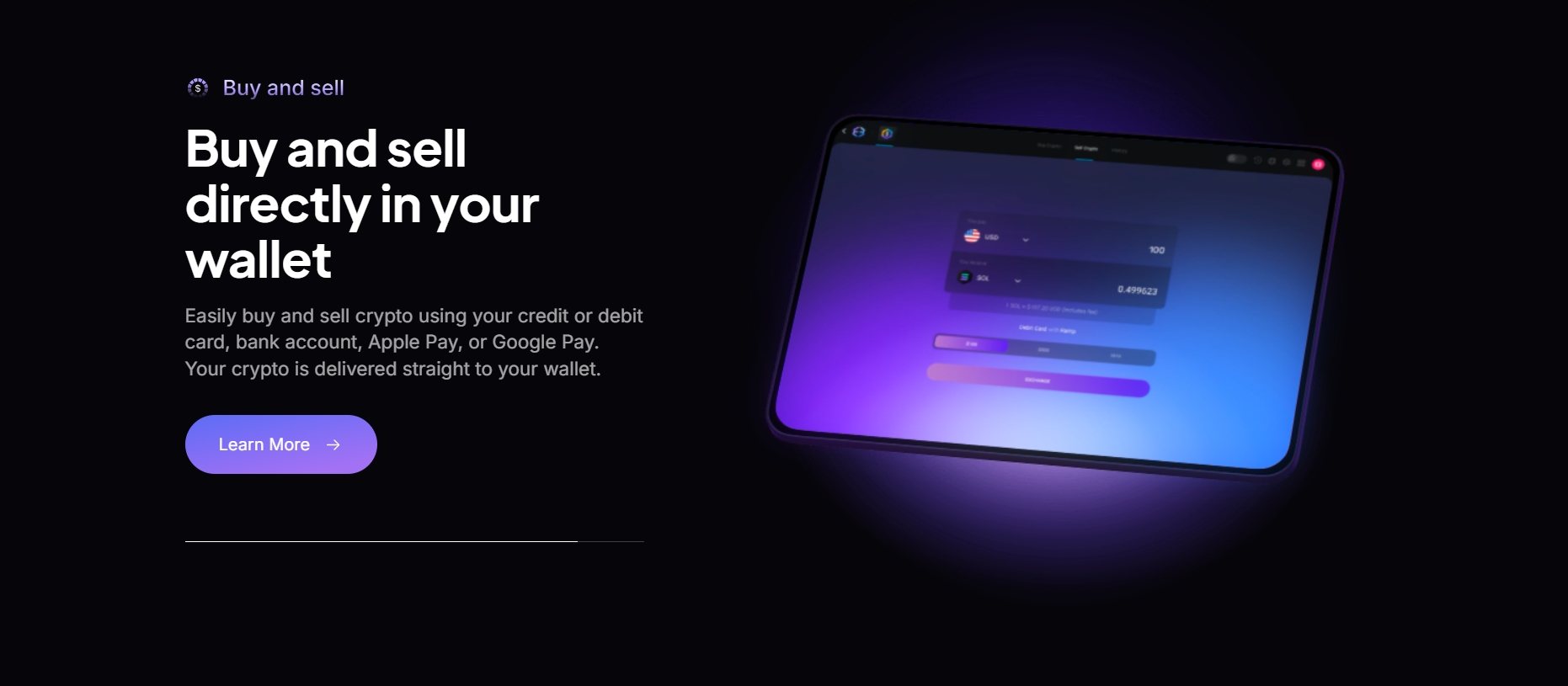
The Exodus Wallet integrates with MoonPay, allowing you to buy and sell cryptocurrencies with your debit/credit card, Apple Pay, Google Pay, or wire transfer.
Staking Crypto
Staking allows you to lock up cryptocurrency in a blockchain network to support its operations, such as validating transactions. In return, you earn passive income for contributing to the network’s efficiency and security.
The Exodus Wallet lets you stake cryptocurrencies and earn rewards in the form of an Annual Percentage Yield (APY). You can stake leading digital assets, including Cardano (ADA), Cosmos (ATOM), Ethereum (ETH), Solana (SOL), and others. However, the APY varies by cryptocurrency. For instance, by staking Cosmos (ATOM), you can earn up to 16.37% APY, while Solana has an APY of 6.13%.
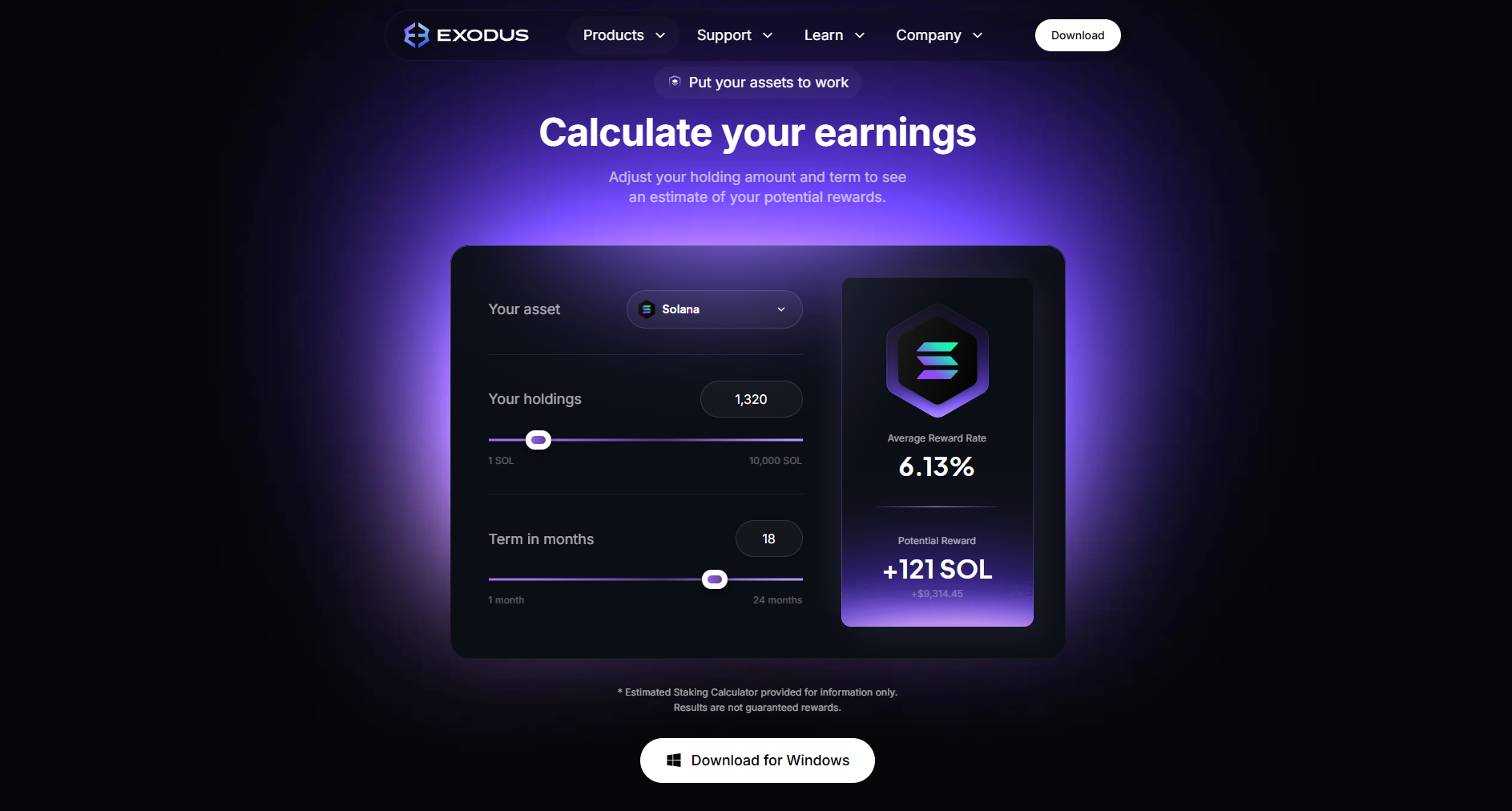
Staking cryptocurrency in the wallet is straightforward. Once you hold a cryptocurrency, you can access the staking option in the portfolio section. After this, select the cryptocurrency you want to stake and start earning.
NFT Marketplace
You can manage NFTs across several networks from one interface in the Exodus Wallet. It enables you to receive, view, and send NFTs on supported networks, including Ethereum (ERC-721/1155) and Solana (SPL/Token-2022). However, the platform’s support varies as per the support table in the NFT gallery guide.
Exodus Wallet Fees
Signing up for the Exodus Wallet is completely free. However, several fees apply to certain features.
Transaction Fees
Like other crypto wallets, the transaction fees on Exodus are network fees. These fees are required to process transactions on the blockchain and to maintain and validate the network. These fees vary by network and depend on network congestion.
When you make a transaction, you see a specific network fee that you need to approve. This helps you in making informed decisions.
Built-in Exchange Fees
When you exchange cryptocurrency in the wallet, you are charged a small fee. This fee is the company's main source of income. It is expressed as a spread, which is the difference between the buying and selling prices.
These fees vary from 1% to 3% and are based on market conditions. For large trades, the fees can be higher, allowing the company to maintain an excellent service.
Debit/Credit Card Payment Fees
The debit/credit card payment fees are slightly higher than other fees associated with the Exodus Wallet. You can buy cryptocurrency using fiat money on the platform, thanks to its MoonPay integration. For this, the fee that is charged is a combination of a transaction fee and a processing fee.
These fees can reach 5.45% per transaction, which is quite high compared to other wallets.
Setting Up an Exodus Wallet
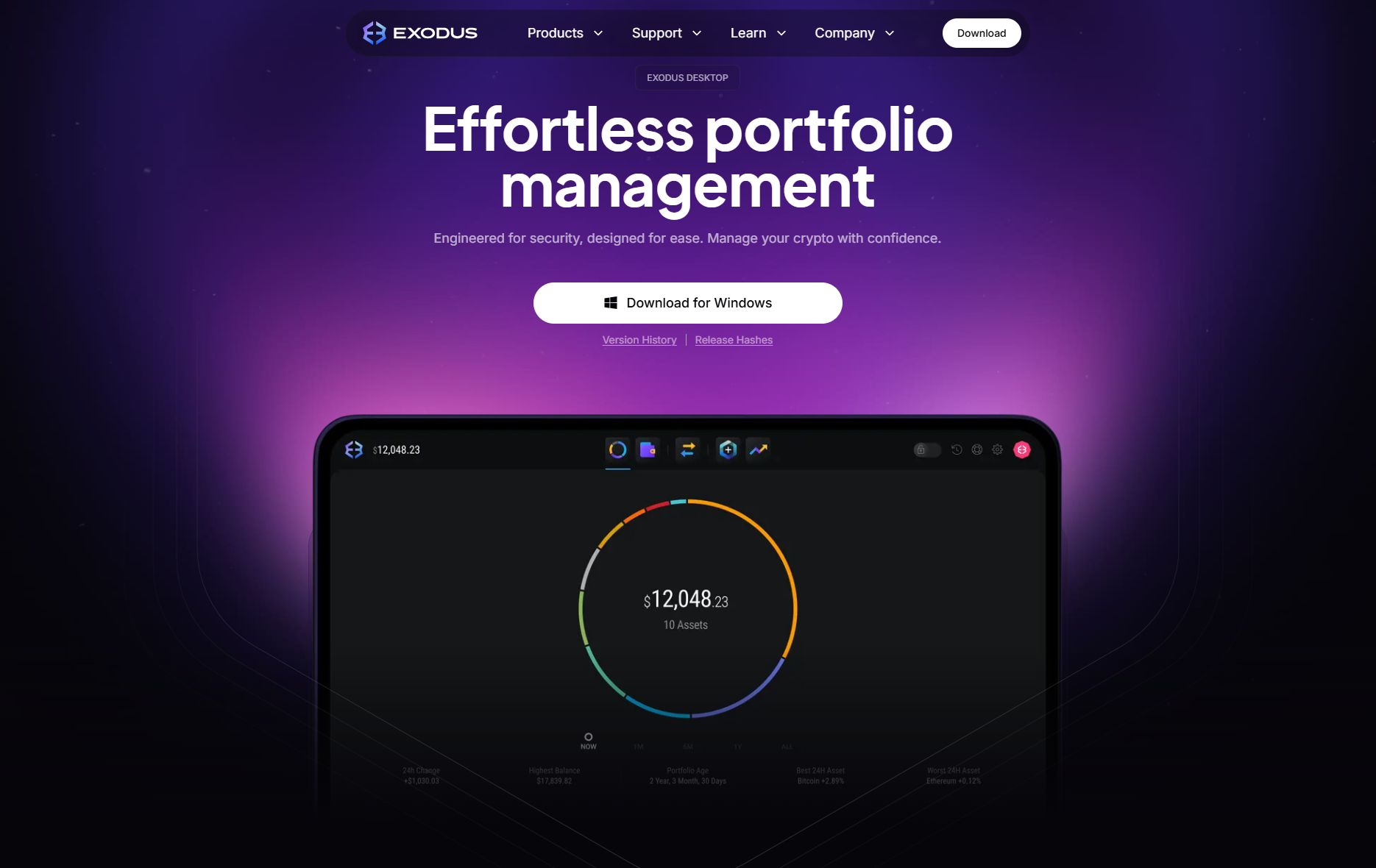
You can set up an Exodus Wallet with just a few steps. It has a user-friendly interface, which makes it suitable for both beginners and experienced users. Download its browser extension, mobile app, or install the desktop app. Remember, the browser extension has limited functionality as compared to the app.
The following is a step-by-step guide to setting up the Exodus Wallet on both the desktop and mobile apps.
Desktop App
Download the desktop app for PC, MAC, and Linux. For this, follow these steps:
- Download the desktop app from the Exodus Wallet website. Click the “Download” tab on the homepage and select the right app for your operating system.
- After downloading, begin the installation process, which does not take a lot of time.
- Once you open the app, it will automatically set up a wallet for you. If you have an existing wallet, you can reconnect it using your 12-word recovery phrase.
- Next, set up your backup options and write down the recovery phrase. To do this, tap the “settings” icon, then head to the backup section, and create a secure, memorable password. Once done, you can view the 12-word recovery phrase and store it in a safe place.
- After this, you can buy, trade, and transfer cryptocurrencies through your Exodus Wallet desktop app.
Mobile App
To set up the Exodus Wallet app, follow these steps:
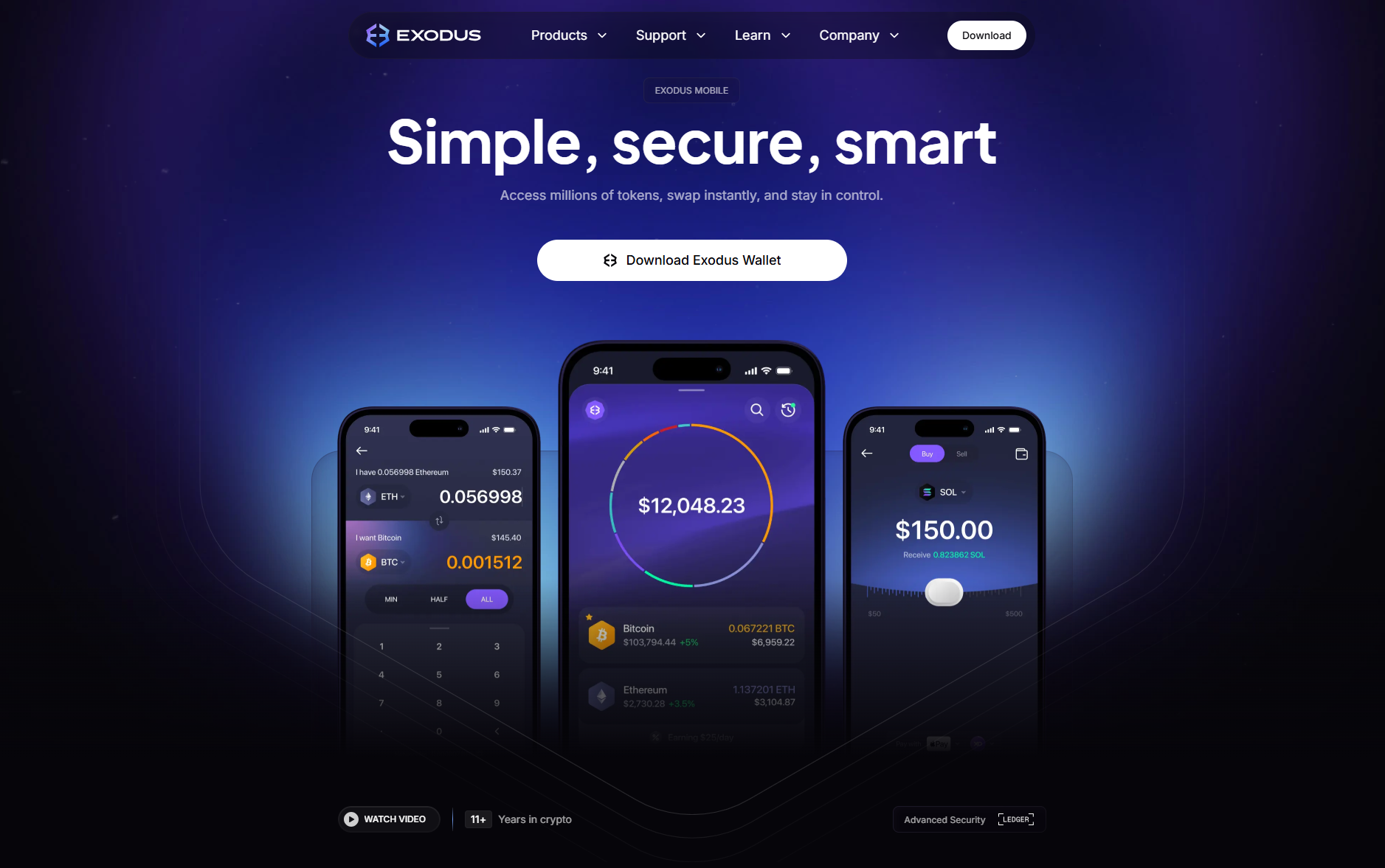
- First, download the wallet app from the App Store or the Google Play Store.
- Once the app is installed, tap the “create wallet” tab, and it will automatically create a new cryptocurrency wallet for you.
- Navigate to the security settings in the app, then backup to access your 12-word recovery phrase.
- You can also set up facial recognition and a passcode.
- Once done, you can buy, sell, and transfer crypto assets in your Exodus Wallet mobile app. You can also synchronize the mobile app to your desktop app using the QR code.
Who Should Use the Exodus Wallet?
Exodus is a multi-chain cryptocurrency wallet with self-custody at its core. If you value an integrated experience (portfolio, staking, swaps, NFTs), this wallet can be a great choice.
It can be an excellent choice for:
- Beginners who prefer a clear setup.
- Multi-asset users looking for a broad coverage in one place.
- Stakers who prioritize in-wallet rewards while staking crypto.
- NFT collectors managing in-wallet collections.
- First-time mobile users who prefer iOS/Android convenience.
It can be challenging for:
- Large crypto holders who prefer offline key storage.
- Privacy maximalists looking for shielded transfers on certain networks.
- Frequent swappers prioritizing the tightest pricing on large orders.
- Large DeFi traders seeking deep, EVM-first dApp tools.
Final Takeaway
Exodus is a capable, self-custody cryptocurrency wallet that balances everyday use with broad network support. For users who value convenience without ceding control, it represents a solid choice. The wallet offers a clean interface, wide asset coverage, staking, and remarkable security features. It is ideal for beginners and multi-chain users who want a single interface or portfolio, swaps, staking, and to manage NFTs without exchange custody. Additionally, connecting to Trezor and Ledger wallets helps users keep their keys offline while using Exodus as the interface.
Frequently Asked Questions (FAQs)
Is Exodus a cold wallet?
No, Exodus is a hot (software) wallet that stores your private keys online. However, it can function as a cold wallet when paired with a hardware wallet, such as Ledger or Trezor.
Can I trust Exodus?
Exodus is a non-custodial wallet that lets you control your private keys locally. Ultimately, safety depends on your device security and backup habits.
Are there any fees on Exodus?
Exodus does not charge fees for sending, receiving, or storing cryptocurrency. However, you have to pay the blockchain network fees, and the in-wallet swaps include a variable spread.
Has Exodus ever been hacked?
No, there is no public record of a breach of the Exodus Wallet itself.
Can I stake crypto on Exodus?
Yes, Exodus allows you to stake cryptocurrencies, such as Ethereum (ETH), Cardano (ADA), Solana (SOL), and more. However, availability, yields, and lockups vary by chain.
Is Exodus an open-source wallet?
Exodus partially uses open-source components, but it is not a fully open-source cryptocurrency wallet.
Can I pair Exodus with hardware wallets?
Yes, you can pair Exodus with hardware wallets like Trezor and Ledger for added security.
Can I sell crypto for fiat in Exodus?
Yes, you can sell crypto for fiat money in Exodus and then withdraw funds to your bank account.
In which country is Exodus located?
Exodus is a non-custodial cryptocurrency wallet founded in 2015 and headquartered in Nebraska, United States of America.
Is Exodus safe from hackers?
Exodus keeps your private keys online, which don’t go anywhere. Even if a central server is hacked, no one will be able to siphon your funds. All you need to do is keep your operating system up to date to protect your private keys.
Disclaimer: All content on The Moon Show is for informational and educational purposes only. The opinions expressed do not constitute financial advice or recommendations to buy, sell, or trade cryptocurrencies. Trading involves significant risk and may result in substantial losses. Always seek independent financial advice before making investment decisions. The Moon Show is not responsible for any financial losses or decisions made based on the information provided.
Please view the full disclaimer at: https://themoonshow.com/disclaimer
Ledger Wallet Review - Features, Models, and Security Explained
A cryptocurrency wallet is a software application or a physical device that enables users to st...
Trust Wallet Review - Features, Security, and Performance Explored
A cryptocurrency wallet is a tool that allows users to manage, store, send, and receive cryptoc...
Coinbase Wallet Review 2026: Self-Custody Done the Mainstream Way
Coinbase Wallet review covering features, fees, security, and how it compares to MetaMask and T...